
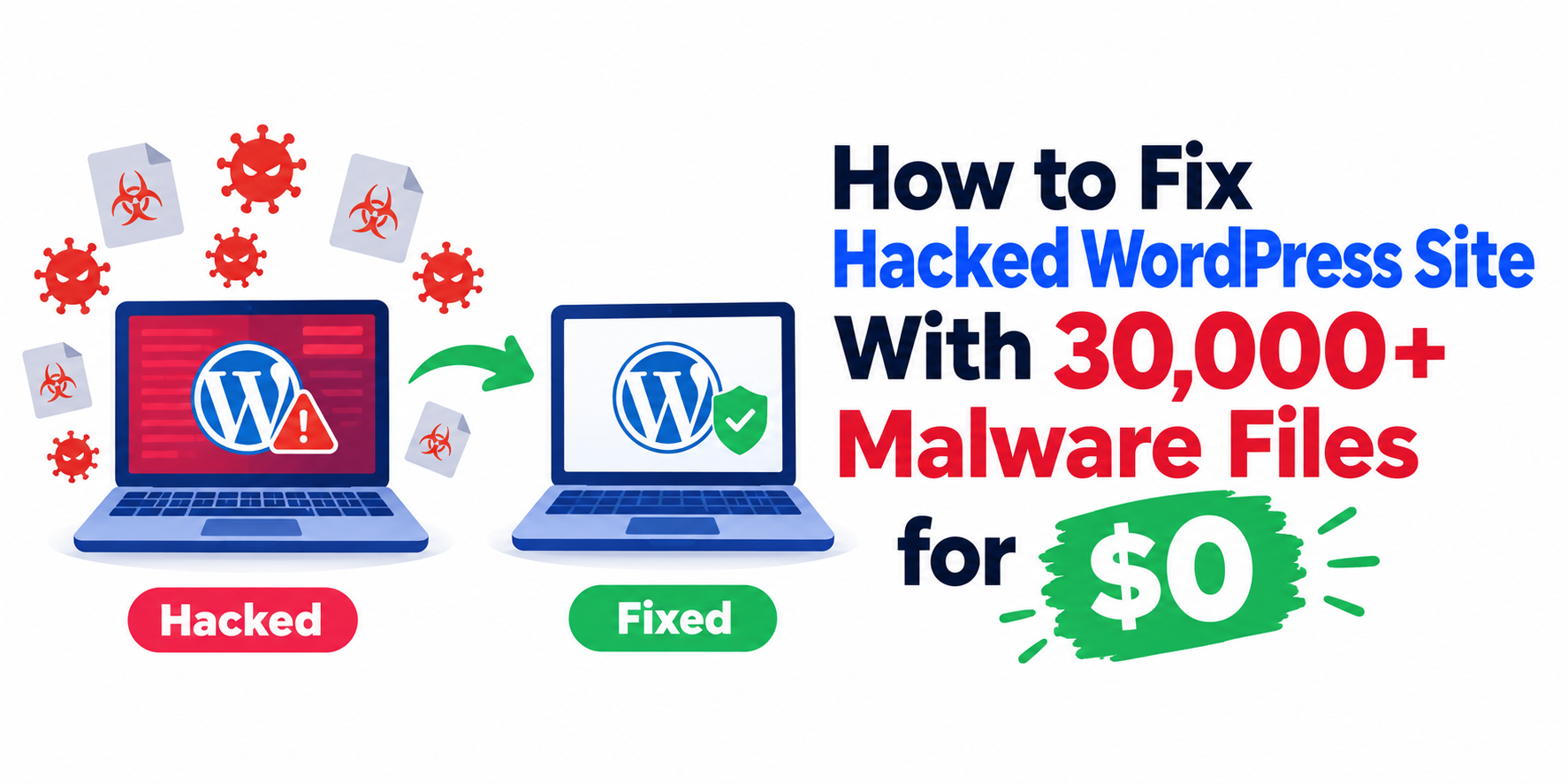
If you’ve ever had a hacked WordPress site, you know how frustrating it is. You may have noticed a few bizarre blogs posted on this site over the past fortnight. Some were for casinos, others were for gaming sites, wth many more in a different language altogether.
My agency site was hit by a severe malware infestation, with over 30,000 infected files spreading across the server. Hosting support quoted up to $289 per site for a cleanup (have 10 in total), and the other option was weeks of manual work.
Instead, I used AI to find a third path: wipe the infected WordPress core, keep the database and content folder, and rebuild from fresh files. This post covers what happened, the two bad options I faced, how the clean core method works, and the exact steps to copy it.
I believe this hack was related to when my personal Google account was hacked recently.
Prefer to watch the video walkthrough instead of reading? Check out the full step-by-step breakdown here or click on the video below.
_____________________________________________________________
Quick Answers – Jump to Section
- The Infestation: Facing 30,000+ Malware Files
- Two Disagreeable Choices: Paid Cleanups vs. Manual Hell
- The AI Breakthrough: Clean Core Deployment Strategy
- Step-by-Step Server Cleanup Guide
- Lock Down, Rescan, and Future Proofing
- Final Thoughts
- Frequently Asked Questions
_____________________________________________________________
The Infestation: Facing 30,000+ Malware Files
When my agency site, influxjuice.com, was hit by a severe malware infestation, the symptoms showed up instantly. Spam casino posts written in foreign languages began appearing across the blog. Even after I deleted them by hand, they kept coming back.
A quick chat with Bluehost support confirmed how bad it was. Over 30,000 malicious files had infected the root directories and were spreading across connected server files. Malicious code was also baked into recent backups, so restoring an older version wasn’t enough.
In modern digital marketing, keeping your digital footprint secure matters just as much as building a strong online presence. Your search visibility depends on both, and the way blog content is structured so AI tools cite your brand only pays off if the site behind it is secure.
_____________________________________________________________
Two Disagreeable Choices: Paid Cleanups vs. Manual Hell
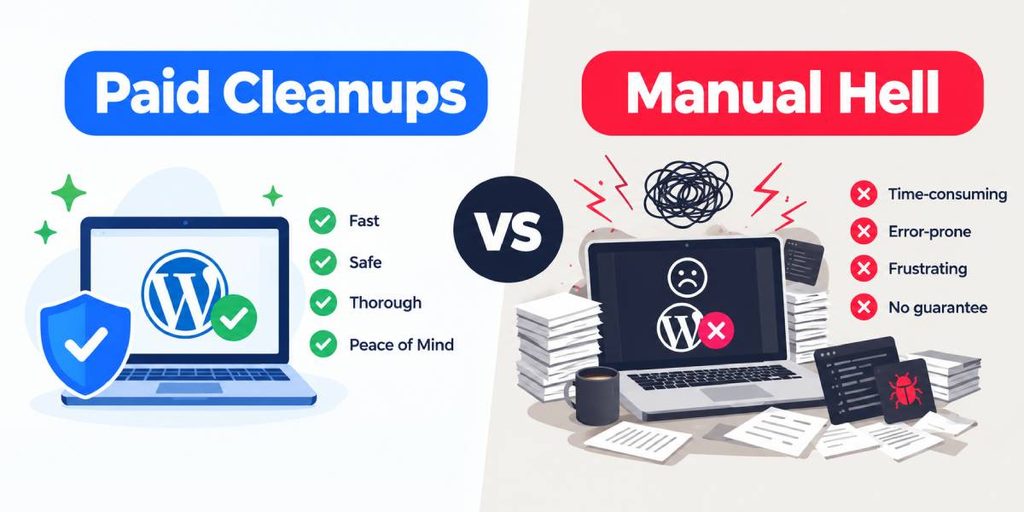
With a compromised WordPress site, traditional hosting support offered two unappealing options:
- Pay a subscription cleanup fee: Hosting support quoted anywhere from $49 to $289 per site. Across several agency properties, that would cost thousands of dollars out of pocket.
- Delete line by line: The other path was downloading thousands of scripts, reading through raw code, and removing malicious injections by hand. That would take weeks of tedious work.
Neither option made business sense. Fortunately, a smart workflow beats brute force, much like founders who build authority by sharing their own expertise on LinkedIn get further than those who simply post more.
_____________________________________________________________
The AI Breakthrough: Clean Core Deployment Strategy
Instead of panicking or overspending, I turned to Gemini AI. Standard advice focuses on hunting down infected files. Gemini gave me a smarter plan: keep what is safe, discard what is infected, and replace the rest straight from the source.
WordPress has three main parts: core system files, plugins and themes, and the SQL database. Your content lives in the database, so you don’t need to clean infected core files by hand. Isolate your database credentials and the wp-content folder, wipe the core install, and replace it with fresh code straight from WordPress.org.
┌────────────────────────┐
│    WordPress Core      │ ──► WIPE & REPLACE
└────────────────────────┘
┌────────────────────────┐
│    Plugins & Themes    │ ──► REINSTALL CLEAN
└────────────────────────┘
┌────────────────────────┐
│  Database & Configs    │ ──► PRESERVE & SECURE
└────────────────────────┘
Adapting fast to tech problems is key, especially now that AI is changing how SEO works across search and answer engines and how we manage web infrastructure.
_____________________________________________________________
Step-by-Step Server Cleanup Guide
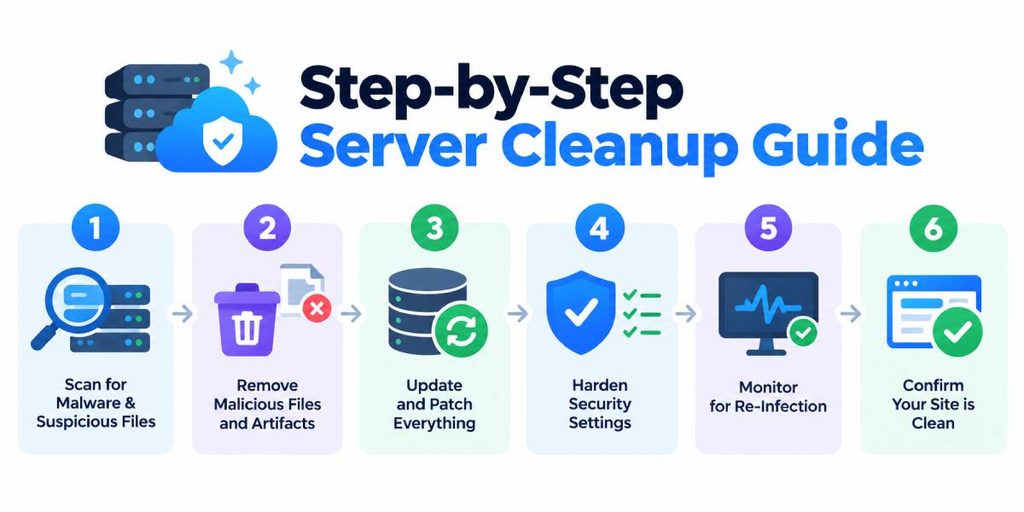
If you’re dealing with a hacked WordPress site, you can copy this exact server recovery workflow:
- Isolate database configuration: Log into your hosting File Manager (cPanel, for example). Find the wp-config.php file in your root directory and download a copy, or duplicate it as wp-config-safe.php. This file holds your database connection credentials.
- Purge infected server files: Delete everything inside your WordPress root directory except the wp-content folder and the wp-config.php file.
- Upload fresh core WordPress: Download a clean .zip archive from WordPress.org. Extract it on your computer and upload all the fresh core files to your server root.
- Reinstall clean plugins: Upload fresh copies of your plugins from official sources instead of reusing old files that may be infected.
Staying ahead of security problems also protects your relationship with your audience. Publishing regularly on LinkedIn through articles and a newsletter is one simple way to stay in touch while your site is being fixed.
_____________________________________________________________
Lock Down, Rescan, and Future Proofing
Once the clean core is in place, apply the final security locks:
- Generate fresh security files: Rebuild a standard .htaccess file in your root folder.
- Run a full security scan: Install a security plugin such as Wordfence. Run a free deep-level scan to confirm that all backdoors, unauthorized admin accounts, and malicious scripts are gone.
Within a few hours, the infestation was cleared, the site was back to normal, and the recovery cost exactly zero dollars.
_____________________________________________________________
Final Thoughts
A hacked WordPress site is stressful, but paying thousands of dollars for automated cleanup services isn’t the only answer. By using AI to plan the server fix, you can replace the core, keep your database, and remove the malicious code for good.
If you’re hit by a security breach, don’t panic. Isolate your core files, replace your installation from the source, and bring your site back online safe and sound.
While the malware is completely gone and the database is secure, you might notice a few remaining visual formatting issues across the site. This is simply a styling and script configuration issue resulting from replacing the core files and resetting plugins.
I am actively working on tweaking the CSS and layout settings to get everything looking 100% polished again, but the underlying site is clean, safe, and fully functional!
_____________________________________________________________
Frequently Asked Questions
How do I fix a hacked WordPress site for free?
Keep your wp-config.php file and wp-content folder, wipe all compromised core files, and upload a fresh WordPress core installation straight from WordPress.org.
Why should I replace WordPress core files instead of cleaning them?
Malware often hides backdoors across thousands of core system scripts. Cleaning files line by line takes a long time and can miss hidden code. Replacing the core files means the whole core system comes from a clean source.
Will wiping WordPress core files delete my website content?
No. Your posts, pages, and site data live in your SQL database, and your media files live in the wp-content folder. As long as you keep both, replacing the core files will not erase your content.
_____________________________________________________________
Download your free copy of the Growth Engine Blueprint here and start accelerating your leads.
Want to know how we can guarantee a mighty boost to your traffic, rank, reputation and authority in you niche?
Tap here to chat to me and I’ll show you how we make it happen.
If you’ve enjoyed reading today’s blog, please share our blog link below.
Do you have a blog on business and marketing that you’d like to share on influxjuice.com/blog? Contact me at rob@influxjuice.com.
Latest Blogs
- ElevenLabs Review (2026): ElevenAgents, ElevenAPI and ElevenCreative Explained
- Emergent Agentic Vibe Coding Platform: The Complete Guide to Building Apps Without Code
- How Stablecoin B2B Projects Are Using Thought Leadership to Build Confidence With Enterprise Buyers in Europe
- What’s Making AI Impact Difficult to Measure for Marketers?
- How European SMEs Are Using Invoice Tokenization to Access DeFi Liquidity Without a Bank