


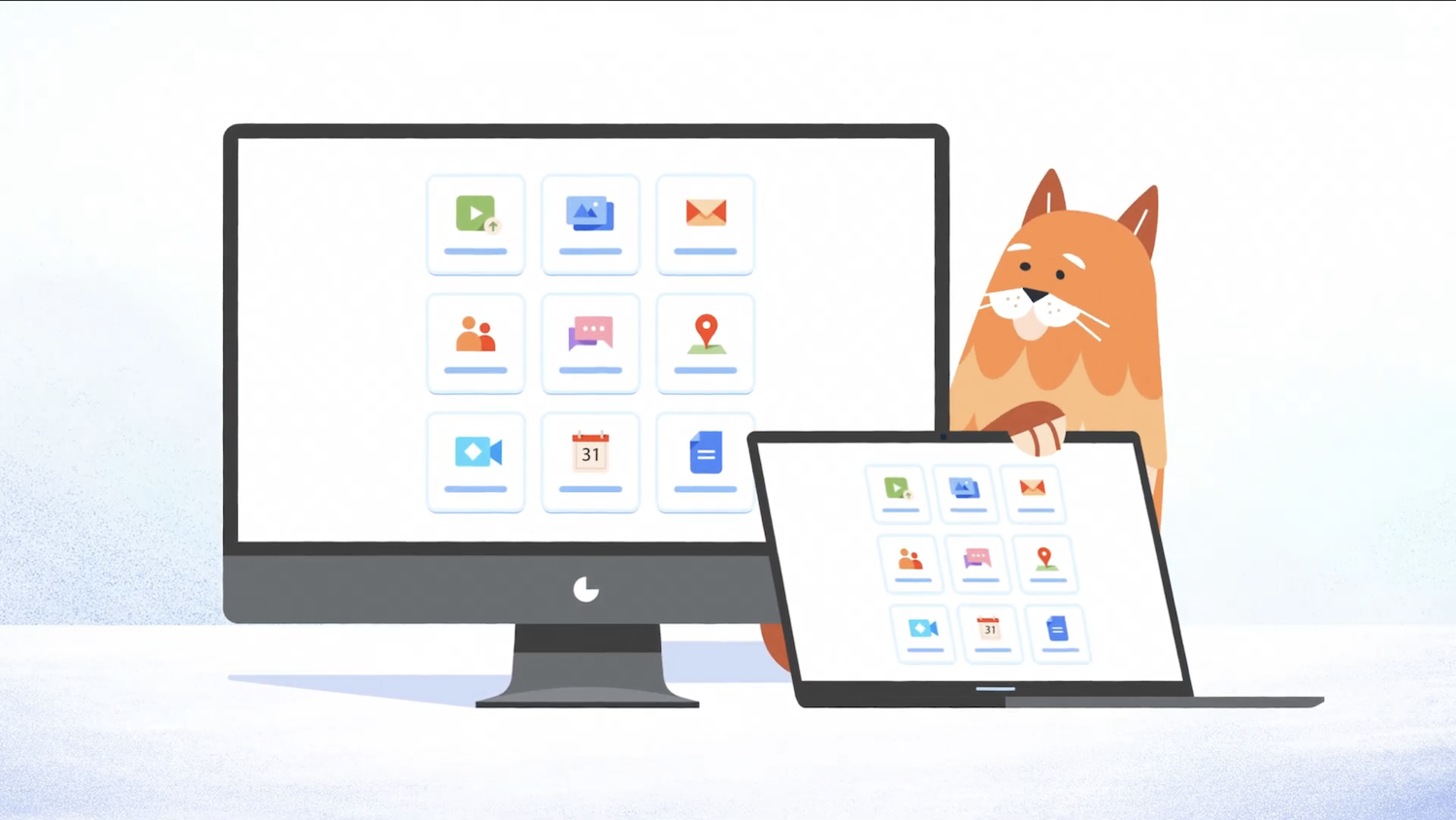
How do WebCatalog Desktop Apps save you hours every day? A web3 team’s day runs through a browser. Discord for the community, Notion for docs, a chain tracker for checking transactions, Slack for the team, and a dashboard for whatever chain you’re building on. Open all of that in tabs, and your computer slows down while your focus falls apart.
WebCatalog Desktop Apps fix this by turning your busiest web tools into separate desktop apps, each with its own window, its own memory, and its own icon. This post covers why that separation matters for a web3 workflow, what the free tier gives you, and how it keeps your focus intact during a busy build week.
_____________________________________________________________
Quick Answers – Jump to Section
- Why Convert Web Apps to Desktop Apps?
- Key Features in WebCatalog’s Free Tier
- How WebCatalog Improves Focus and Workspace Organization
- Why This Matters More for Web3 Teams
- Final Thoughts
- Frequently Asked Questions
_____________________________________________________________
Why Convert Web Apps to Desktop Apps?
A browser was built for reading pages, not for running five tools at once. When you keep Discord, Notion, a chain tracker, and a trading dashboard all open in tabs, one accidental click can close a window you needed open, your RAM climbs fast, and a stray notification from somewhere pulls your eyes off the chart you were watching.
WebCatalog gives each of those platforms its own window, its own process, and its own spot on your taskbar or dock. That separation means your core tools run with fewer crashes and fewer surprise interruptions.
A cluttered browser doesn’t just slow your machine down, it slows your head down too, and a web3 team juggling several chains, several wallets, and several community channels needs every bit of focus it can get.
This holds even more for a remote-first team, since there’s no shared office setup to fall back on when a laptop starts struggling. A clean, isolated app setup gives every team member the same stable base, no matter where they’re logging in from.
A set of proven approaches for supporting a distributed team covers the kind of structure that pairs well with a desktop setup like this, since both aim at the same goal: fewer dropped balls across a team spread across time zones.
_____________________________________________________________
Key Features in WebCatalog’s Free Tier
You don’t need to commit anything upfront to try this out. The free tier gives you a solid starting point for building a cleaner setup:
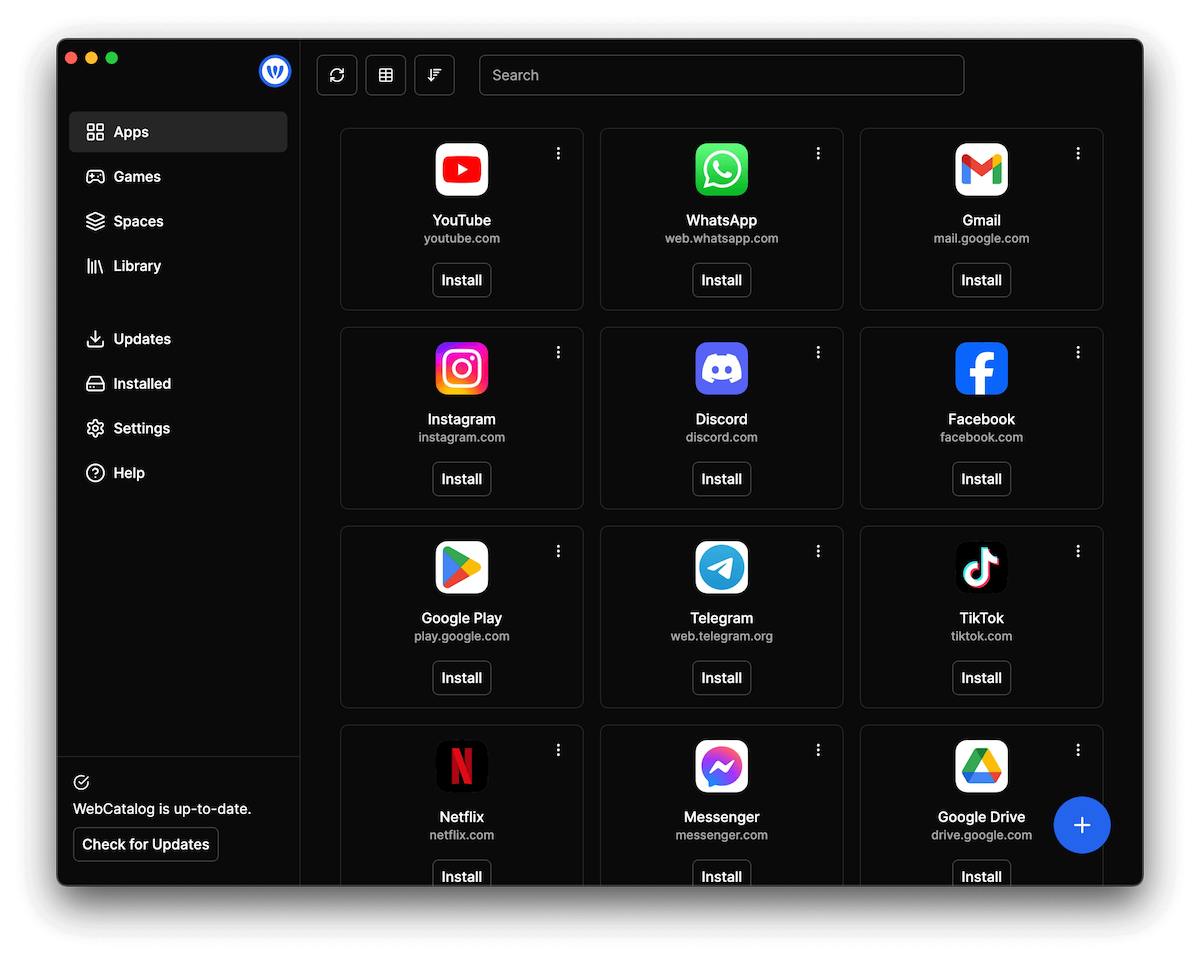
- 2 Desktop Apps: Turn your two busiest tools, maybe Discord and your chain tracker, into standalone apps.
- 2 Profiles: Keep separate logins for a work wallet and a personal one, or a mainnet account and a testnet one, without mixing sessions.
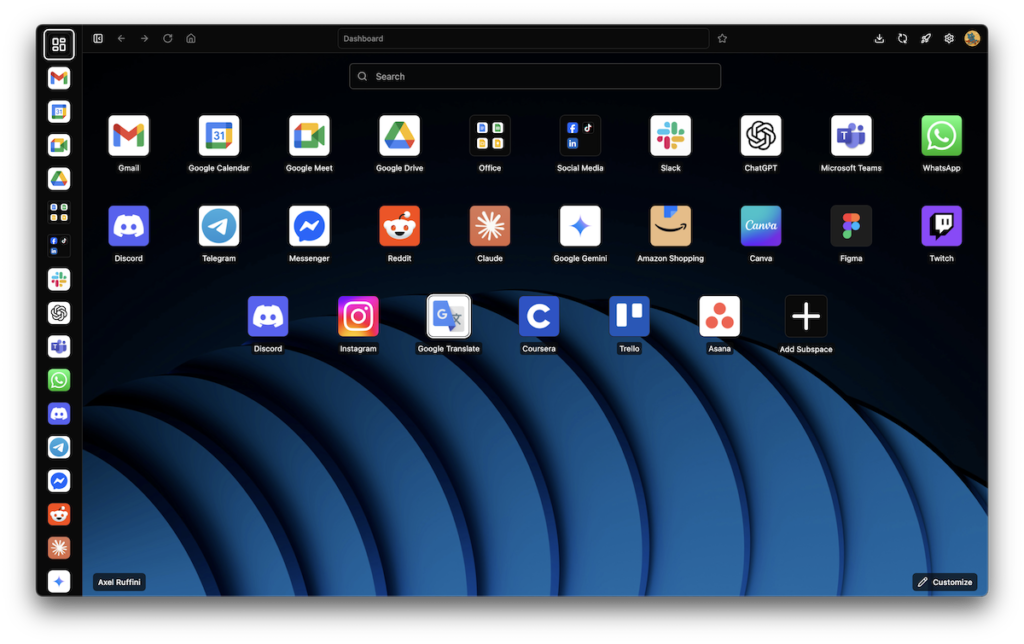
- 1 Space: Organize your apps in one clean launcher instead of a scattered desktop.
- Cloud Sync: Carry your setup across a laptop and a desktop without rebuilding it each time.
- Curated Wallpapers: Make the workspace feel like yours instead of a stock screen.
- Built-in To-Dos: Track quick tasks right inside the app, no separate tab required.
- Live Weather Conditions: A small touch that keeps you from pulling up yet another browser tab.
- Focus Mode: Mute distractions when you need a clear stretch of deep work, like reviewing a contract before a deploy.
None of this costs anything to try, which matters for a small web3 team watching every dollar. A sluggish machine costs real time, and time is the one resource a small team rarely has extra of. A practical breakdown of boosting output while trimming costs touches on this exact trade-off, and a cleaner desktop setup is one of the cheapest fixes on that list.
_____________________________________________________________
How WebCatalog Improves Focus and Workspace Organization
Running isolated apps stops the tab-sprawl that wears people down over a long day. When every tool has a fixed spot on your desktop, you stop hunting through ten open windows to find the one you need. Muscle memory takes over, and switching between a chart, a community channel, and your docs becomes instant instead of a small hunt every time.
For a founder, a community manager, or anyone running outbound campaigns, this kind of setup pairs well with other parts of the stack. A tidy desktop layout makes it easier to lean on AI tools day to day, since you’re not losing a tool in a pile of tabs every time you switch tasks.
A look at how one new AI tool fits into a daily workflow shows the kind of gain a well-organized setup makes possible once your core tools stop fighting each other for memory and attention.
Keeping your core utilities in one launcher also cuts down on context switching. If you’re tracking on-chain activity, managing a content calendar, and replying to a community at the same time, fewer context switches add up to real time saved across a week.
_____________________________________________________________
Why This Matters More for Web3 Teams
Many software teams run a handful of tools. A web3 team often runs double that: a wallet extension, a chain tracker, a DAO voting portal, a Discord server, a Telegram group, and a project management tool, all open at once during a launch week. Browser tabs were never built to carry that kind of load without slowing down.
Teams that get this right tend to build better habits elsewhere too. Tips for keeping a remote team productive and content over the long run pairs naturally with a tool like this, since a calmer desktop makes the rest of a healthy remote routine easier to stick to.
_____________________________________________________________
Final Thoughts
Turning your core web tools into standalone desktop apps is a small change that pays off fast. You isolate your logins, you cut down on crashes, and you build a workspace that matches how a web3 team operates across chains, channels, and time zones.
Start with the free tier, pick your two busiest tools, and see how much calmer a focused session feels once your browser isn’t carrying the entire weight of your day.
_____________________________________________________________
Frequently Asked Questions
What are WebCatalog Desktop Apps?
They are standalone desktop applications built by turning a web page or web app into its own isolated program, running directly on your Mac or Windows PC instead of inside a browser tab.
Can I run multiple accounts for the same app on WebCatalog?
Yes. WebCatalog supports separate profiles, so you can log into a work account and a personal account within the same app at the same time, without one session overwriting the other.
Is there a free version of WebCatalog available?
Yes, the free tier includes 2 desktop apps, 2 profiles, 1 space, cloud sync, focus mode, curated wallpapers, built-in to-dos, and live weather conditions.
How do standalone desktop apps save system memory compared to browsers?
By running each app in its own isolated process outside a heavily loaded browser window, you cut down on background tab processing, extension overhead, and the memory leaks that build up across a long browsing session.
Is this setup worth it for a small web3 team?
Yes, particularly for teams juggling several chains, wallets, and community channels at once. The fewer things fighting for attention in one browser window, the easier it is to stay on top of a busy day.
_________________________________________________________________
Get your free 12-Month Growth Plan Diagnostic here.
Answer a few question to get your blueprint to follow and secure your revenue goals over the next 12-months.
Want to know how we can guarantee a mighty boost to your traffic, rank, reputation and authority in you niche?
Tap here to chat to me and I’ll show you how we make it happen.
If you’ve enjoyed reading today’s blog, please share our blog link below.
Do you have a blog on business and marketing that you’d like to share on influxjuice.com/blog? Contact me at rob@influxjuice.com.
Latest Blogs
- Emergent Agentic Vibe Coding Platform: The Complete Guide to Building Apps Without Code
- How Stablecoin B2B Projects Are Using Thought Leadership to Build Confidence With Enterprise Buyers in Europe
- What’s Making AI Impact Difficult to Measure for Marketers?
- How European SMEs Are Using Invoice Tokenization to Access DeFi Liquidity Without a Bank
- How Much Does an AI Voice Agent Cost for B2B Sales & Calls? (Human Operator vs AI Comparison)