
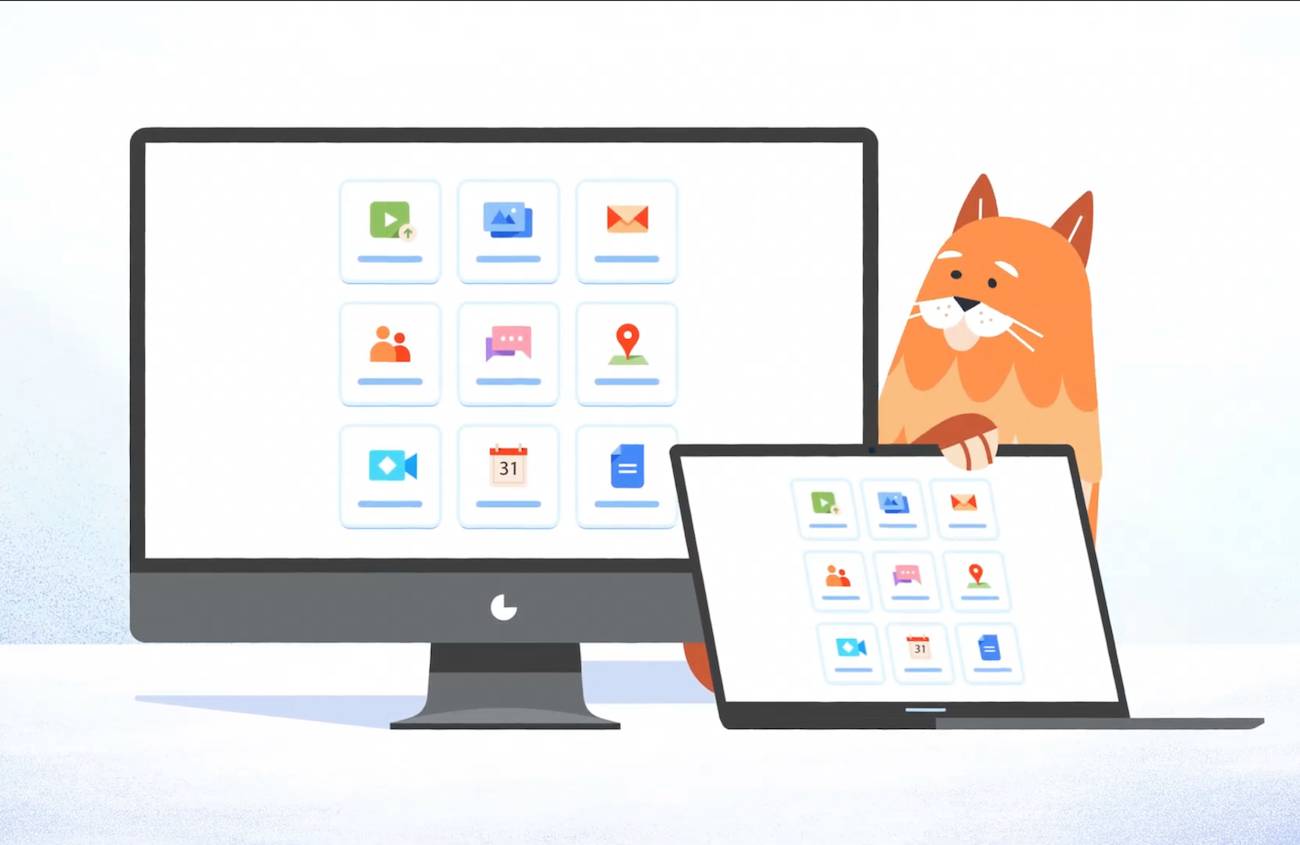
Modern work revolves around web browser tabs, but constantly switching between dozens of open pages slows down your computer and shatters your focus.
Managing your favourite tools through browser windows often leads to notification overload and endless clutter.
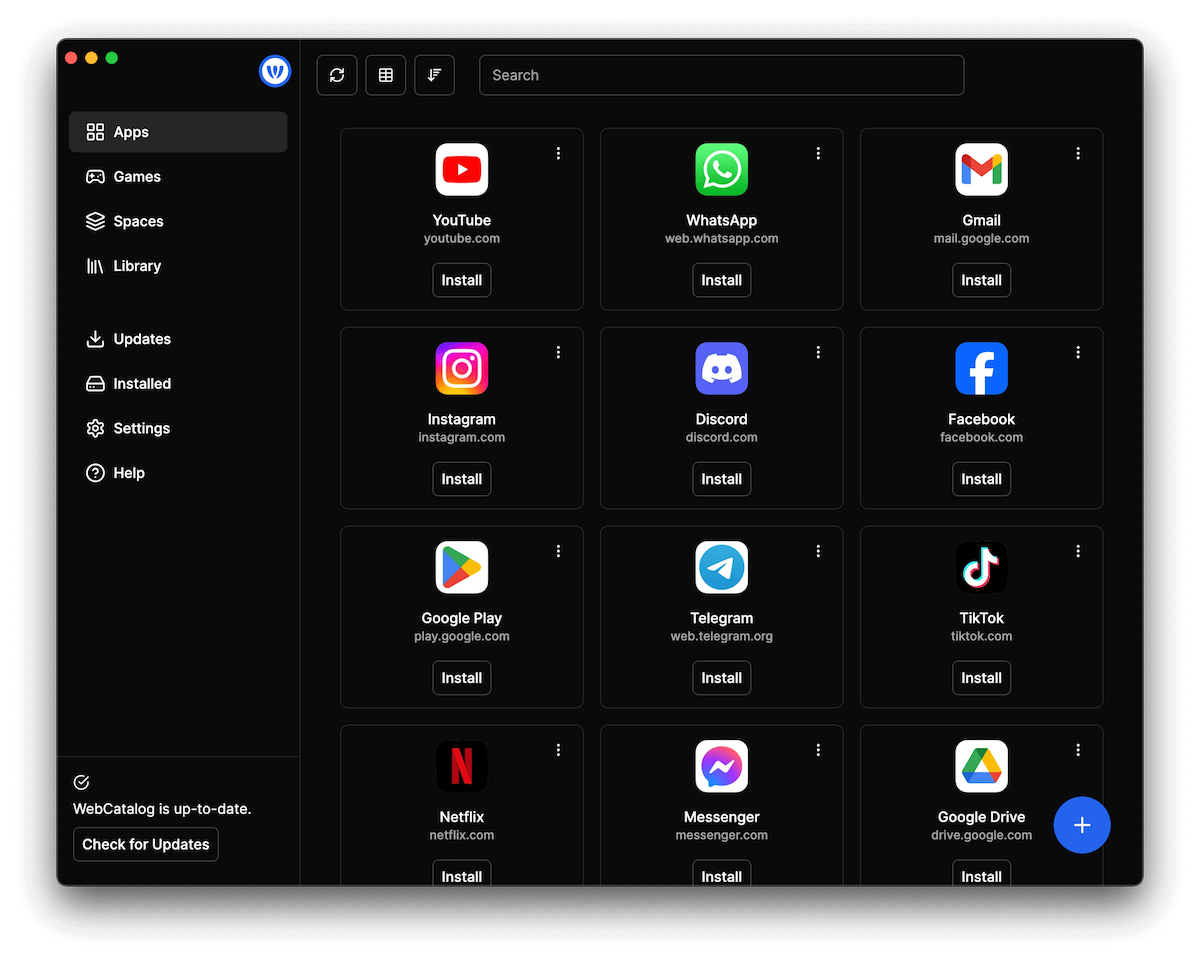
WebCatalog Desktop Apps solve this problem by turning your most-used web applications into dedicated, isolated desktop software.
By running your web apps natively on your computer, you can streamline your workspace, speed up your daily multitasking, and regain control over your digital environment.
Quick Answers – Jump to Section
- Why Convert Web Applications to Desktop Apps?
- Key Features Included in WebCatalog’s Free Tier
- How WebCatalog Improves Focus and Workspace Organization
- Final Thoughts
- Frequently Asked Questions
Why Convert Web Applications to Desktop Apps?
Browsers are designed for surfing the web, not for running complex software suites simultaneously.
When you keep critical work applications like Slack, Notion, Trello, or Gmail open inside browser tabs, you risk accidental closures, excessive RAM usage, and constant distraction from open social media or news sites.
Using WebCatalog Desktop Apps gives each platform its own dedicated application window, separate process memory, and clear taskbar or dock icon.
This separation ensures your primary work platforms operate with higher stability and fewer interruptions.
If you are looking to build a cleaner digital environment from the ground up, combining app isolation with effective Minimalist Digital Marketing Strategies can help declutter both your operations and your internal workflows.
Key Features Included in WebCatalog’s Free Tier
Getting started with dedicated web applications does not require an upfront commitment. The free tier of WebCatalog provides a complete foundation for personal workspace customization:
- 2 Desktop Apps: Turn your two most critical web services into standalone desktop applications.
- 2 Profiles: Isolate cookies, sessions, and login credentials across different accounts easily.
- 1 Space: Organize your apps within a clean, unified launcher structure.
- Cloud Sync: Keep your custom preferences and setups synchronized across multiple devices.
- Curated Wallpapers: Customize your space visually to maintain an inviting digital workspace.
- Built-in To-Dos: Manage quick tasks directly inside your application interface.
- Live Weather Conditions: Keep track of ambient weather updates without opening a browser tab.
- Focus Mode: Mute distractions and streamline your interface when deep work is required.
To experience these features firsthand and streamline your daily tech stack, you can try WebCatalog out for free today.
How WebCatalog Improves Focus and Workspace Organization
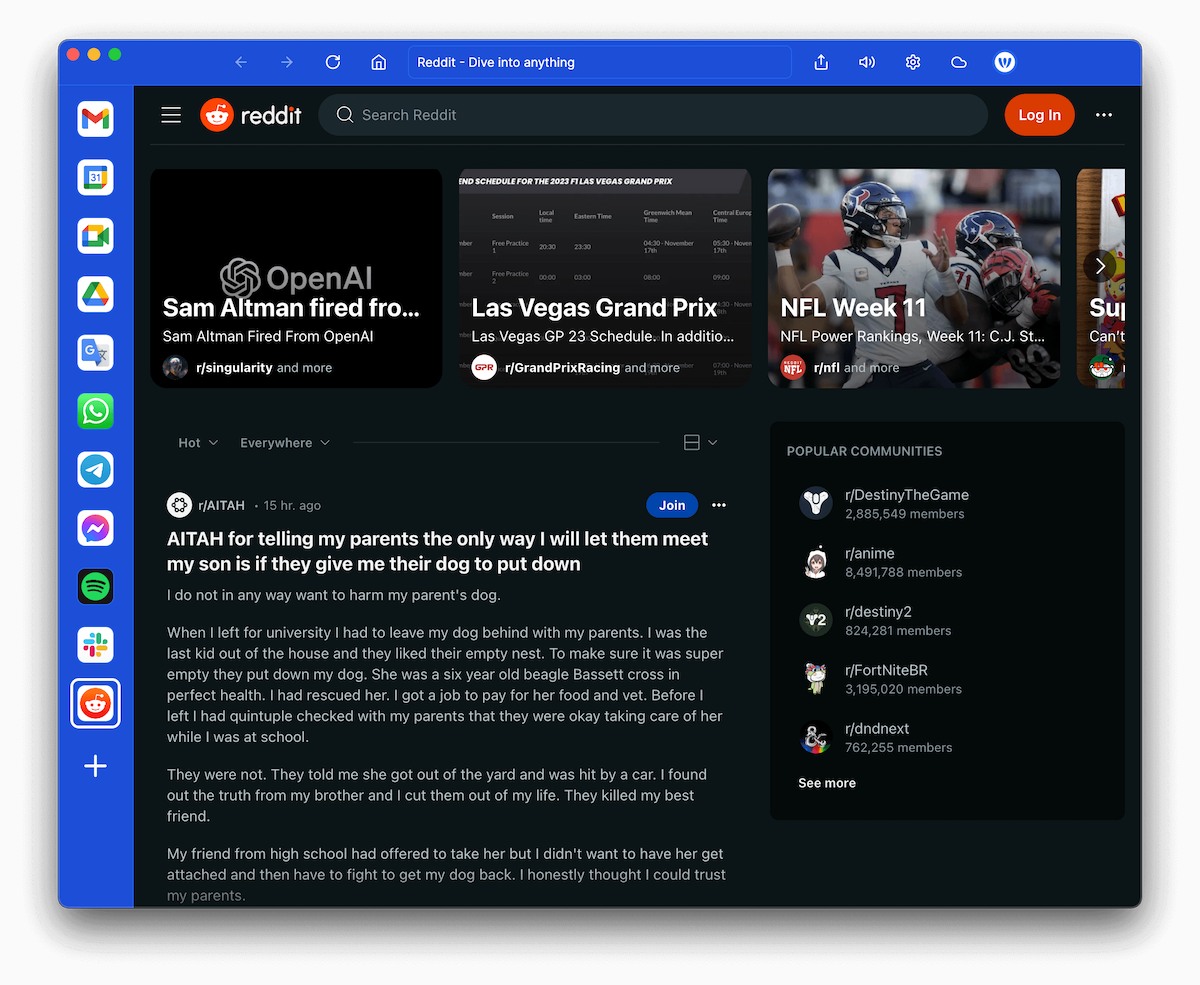
Running isolated applications prevents the tab-sprawl that causes digital fatigue. When every tool has a fixed home on your desktop, muscle memory takes over, allowing you to switch between tasks instantly without searching through endless browser windows.
For creators, remote workers, and agency owners, structuring your desktop apps is just one piece of the digital puzzle.
Pairing isolated software environments with Top AI Tools for Content Creation allows you to execute daily marketing and administrative tasks with maximum efficiency.
Furthermore, optimizing your local setup supports broader business goals; for instance, learning How to Leverage Local SEO for Small Business Growth requires consistent, focused execution that structured desktop setups help facilitate.
Finally, keeping your core utilities organized in a singular launcher environment minimizes context switching.
If you are focused on optimizing your online platforms, combining a clean workspace with proven E-commerce Conversion Rate Optimization Tips ensures you can monitor store analytics and store performance side-by-side without distraction.
Final Thoughts
Transitioning your essential web tools into standalone desktop software is one of the simplest ways to boost focus, save system resources, and create a clean work environment.
By isolating apps, managing separate profiles, and using built-in productivity features like Focus Mode and To-Dos, you build a workspace tailored to getting things done.
Start upgrading your daily workflow today by taking advantage of the free tier and testing out isolated app management on your own computer.
Frequently Asked Questions
What are WebCatalog Desktop Apps?
WebCatalog Desktop Apps are standalone desktop applications created by turning standard web pages or web applications into isolated software instances running on your Mac or Windows PC.
Can I run multiple accounts for the same app on WebCatalog?
Yes, WebCatalog supports isolated profiles, allowing you to sign into different accounts (such as work and personal profiles) within the same application simultaneously without credential conflicts.
Is there a free version of WebCatalog available?
Yes, WebCatalog offers a free tier that includes 2 desktop apps, 2 profiles, 1 space, cloud sync, focus mode, curated wallpapers, to-do tracking, and live weather conditions.
How do standalone desktop apps save system memory compared to browsers?
By isolating specific apps and running them outside of heavily loaded main browser windows, you reduce unnecessary background tab processing, extensions overhead, and browser memory leaks.
Disclosure: We are an affiliate partner with WebCatalog and earn a commission from purchases made through some links in this post at no extra cost to you.
Download your free copy of the Growth Engine Blueprint here and start accelerating your leads.
Want to know how we can guarantee a mighty boost to your traffic, rank, reputation and authority in you niche?
Tap here to chat to me and I’ll show you how we make it happen.
If you’ve enjoyed reading today’s blog, please share our blog link below.
Do you have a blog on business and marketing that you’d like to share on influxjuice.com/blog? Contact me at rob@influxjuice.com.
Latest Blogs
- Transform Your Workflow with WebCatalog Desktop Apps: The Ultimate Productivity Setup
- 5 Key Data Metrics That Predict Future Business Revenue
- Complete Guide to Answer Engine Optimization for Modern Brands
- How to Build Your Audience with a Constant Contact Starter Email
- How to Build High-Impact, Internal Linking Content Hubs That Drive Real Growth
Leave a Reply
You must be logged in to post a comment.