

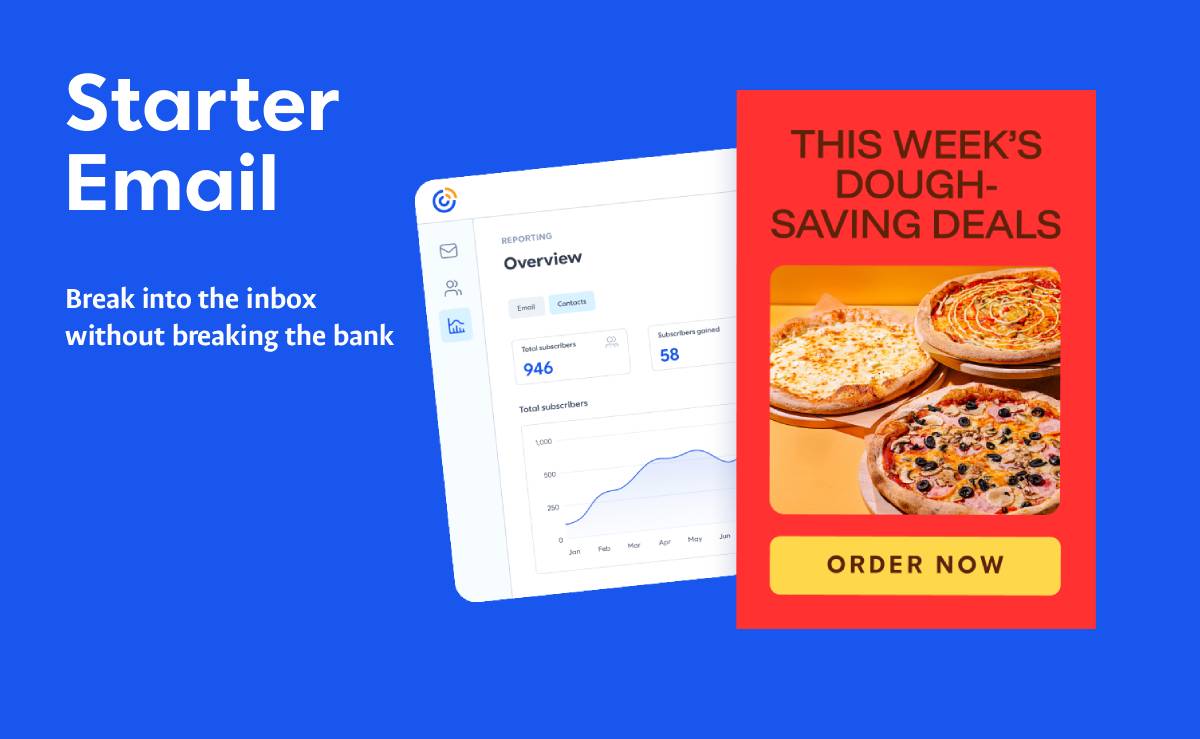
Setting up a Constant Contact starter email gives growing businesses a reliable way to connect with subscribers, nurture leads, and drive consistent sales.
Whether launching a new service, sharing weekly updates, or sending promotional offers, an entry-level email campaign forms the backbone of direct customer communication. Email marketing consistently delivers high ROI because it establishes a direct, algorithm-free connection to your target audience.
Every week, I speak with founders and creators who want to build a real email list, but they freeze when they see the software price tags.
They open up major email platforms, see plans running $30 to $50 a month right out of the gate, and immediately back away. Spending that kind of capital before you even have a steady revenue stream feels like an unnecessary gamble.
That is why Constant Contact’s Starter Email tier is such a practical solution for anyone taking their first steps into email marketing.
Quick Answers – Jump to Section
- Why High Platform Costs Hurt Early Growth
- What You Get for £4 / $6 a Month
- Why Start with Constant Contact?
- Key Steps to Design an Effective Starter Email
- Who Should Use Starter Email
- How to Scale Your Email Strategy
- Frequently Asked Questions
Why High Platform Costs Hurt Early Growth
When you launch a new business, cash flow retention is everything.
Forcing yourself into an expensive software package puts pressure on your campaigns before you even figure out your core messaging. You end up rushing out emails just to feel like you are getting your money’s worth, which leads to poor content and disengaged subscribers.
One of the biggest advantages of Starter Email is how approachable it is.
Instead of asking new businesses to invest in an expensive platform, Starter Email lets them begin for just £4 / $6 per month. It removes the financial friction so you can focus entirely on building an engaged audience.
What You Get for £4 / $6 a Month
Starting small does not mean settling for broken tools or ugly emails. Constant Contact includes the essential features you need to run professional campaigns right from day one:
- Unlimited Contacts: Keep your entire audience in one place without getting hit with sudden price jumps as your list grows.
- Up to 2,500 Monthly Email Sends: Plenty of volume to send weekly newsletters, product updates, or promotional offers.
- AI-Powered Email Creation: Draft compelling copy quickly if you ever run into writer’s block.
- Professional Templates: Launch clean, mobile-responsive campaigns without needing to hire a designer.
- Reporting and Analytics: Track opens, clicks, and reader engagement so you know exactly what content works.
For entrepreneurs looking for alternatives to crowded social feeds, building an email list is often the single best decision when figuring out how to market your business when you hate social media.
Why Start with Constant Contact?
Constant Contact provides accessible design tools, pre-built layout templates, and clean list-management features designed for small business owners and marketers. Launching your starter email sequence on this platform offers several advantages:
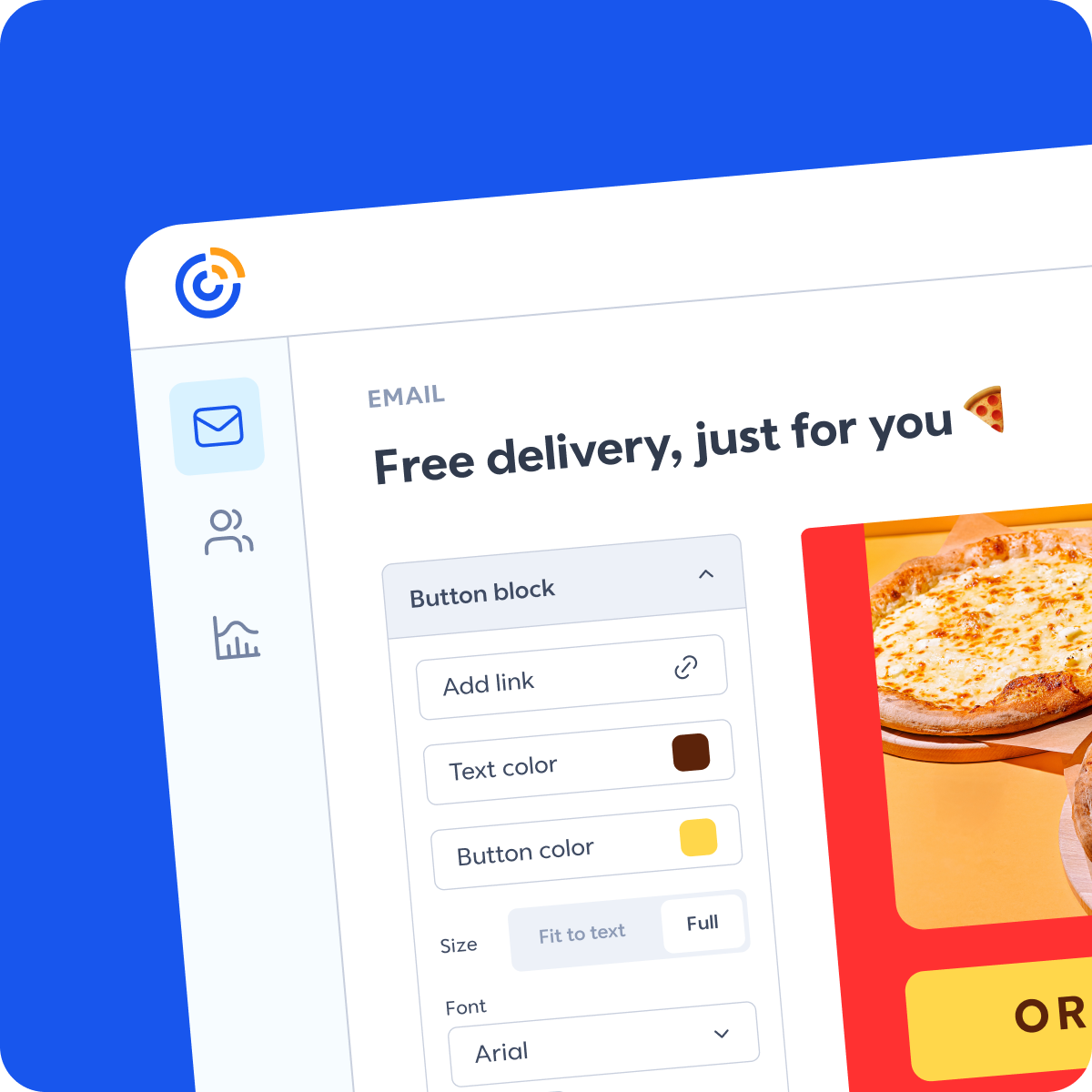
- Drag-and-Drop Editor: Customize layout structures, add images, insert action buttons, and refine typography without writing code.
- Automated Welcome Messages: Instantly greet new subscribers the moment they sign up, keeping engagement levels high right from the start.
- Deliverability Rates: Maintain strong inbox placement rates across major email providers so your messaging actually reaches your audience.
- List Segmentation: Group contacts by interests, sign-up dates, or purchase history to deliver targeted messaging to the right readers.
Key Steps to Design an Effective Starter Email
Define Your Primary Objective: Every campaign should have a clear purpose—whether welcoming new sign-ups, promoting a product line, or sharing educational content.
Craft a Compelling Subject Line: Keep subject lines under 50 characters, create curiosity, and communicate immediate value to increase open rates.
Write Clear, Targeted Body Copy: Focus on reader benefits rather than feature lists. Incorporate proven techniques for better copywriting to structure persuasive, scannable text that guides readers to take action.
Include One Prominent Call-to-Action (CTA): Avoid overwhelming your audience with multiple competing links. Direct readers to a single, focused target action button.
Optimize for Mobile Displays: Over half of all email opens occur on mobile devices. Ensure images scale correctly and call-to-action buttons are easily clickable on small screens.
Who Should Use Starter Email
It is an easy recommendation for entrepreneurs, creators, freelancers, startups, and small businesses that are just getting started with email marketing.
| Business Type | How They Benefit |
| Freelancers | Share portfolio updates and secure repeat clients without adding overhead. |
| Creators & Newsletter Writers | Build a direct connection with an audience outside of rented social media algorithms. |
| Local Service Businesses | Send monthly promotions and service reminders to local customer lists. |
| Early-Stage Startups | Test marketing messaging and track click rates on a tight budget. |
How to Scale Your Email Strategy
Starting on a low-cost plan lets you build simple habits first.
Begin by setting up a simple sign-up form on your website or social media bio. Send one valuable email a week, monitor your open rates in the analytics dashboard, and refine your messaging based on what your subscribers click.
Once your list generates consistent revenue, you can easily upgrade to unlock advanced automation features and higher send limits.
Mapping out your sending frequency prevents last-minute scrambling and maintains brand trust over time; it helps to learn how to master your content calendar for lasting results so your email content aligns with product launches and promotional cycles.
Combining scheduled email outreach with automated sign-up forms allows you to continuously capture prospects, giving you a clear pathway when exploring how to automate your lead generation.
Get started with Constant Contact Starter Email here
Frequently Asked Questions
Can I import my existing contacts into Constant Contact Starter Email?
Yes. You can upload existing subscriber lists using CSV files or spreadsheet imports to start sending right away.
What happens if I exceed 2,500 email sends in a month?
If your sending volume outgrows the monthly limit, you can easily upgrade your plan within the dashboard to keep campaigns running smoothly.
Do I need design skills to use the email templates?
No. The drag-and-drop editor allows you to customize colors, images, and text blocks without writing any code or hiring a developer.
Disclosure: We are an affiliate partner with Constant Contact and earn a commission from purchases made through some links in this post at no extra cost to you.
Download your free copy of the Growth Engine Blueprint here and start accelerating your leads.
Want to know how we can guarantee a mighty boost to your traffic, rank, reputation and authority in you niche?
Tap here to chat to me and I’ll show you how we make it happen.
If you’ve enjoyed reading today’s blog, please share our blog link below.
Do you have a blog on business and marketing that you’d like to share on influxjuice.com/blog? Contact me at rob@influxjuice.com.
Latest Blogs
- Emergent Agentic Vibe Coding Platform: The Complete Guide to Building Apps Without Code
- How Stablecoin B2B Projects Are Using Thought Leadership to Build Confidence With Enterprise Buyers in Europe
- What’s Making AI Impact Difficult to Measure for Marketers?
- How European SMEs Are Using Invoice Tokenization to Access DeFi Liquidity Without a Bank
- How Much Does an AI Voice Agent Cost for B2B Sales & Calls? (Human Operator vs AI Comparison)