

Do you want to analyse wallet activity on Ethereum without turning it into a full-time hobby? Do you also want answers you can use at work, like “is this wallet a real user?”, “is this a team wallet?”, and “why did this address dump right after the token launch?” In today’s blog, I’ll walk you through nine tools that help you read wallet behaviour faster, with fewer guesses and less doom-scrolling through transaction lists.
The quick answer is simple: start with an explorer for the raw facts, add a portfolio view so you can see positions, and then use an analytics tool when you need patterns across lots of wallets. Once you’ve got that base, the rest of the tools are there for labels, tracing, and alerts.
Quick answers – jump to section
- What you should check before you rely on wallet data
- Tool 1 Etherscan
- Tool 2 Blockscout
- Tool 3 DeBank
- Tool 4 Zerion
- Tool 5 Zapper
- Tool 6 Dune
- Tool 7 Nansen
- Tool 8 Arkham
- Tool 9 Breadcrumbs
- Final Thoughts
- Frequently Asked Questions
What you should check before you rely on wallet data
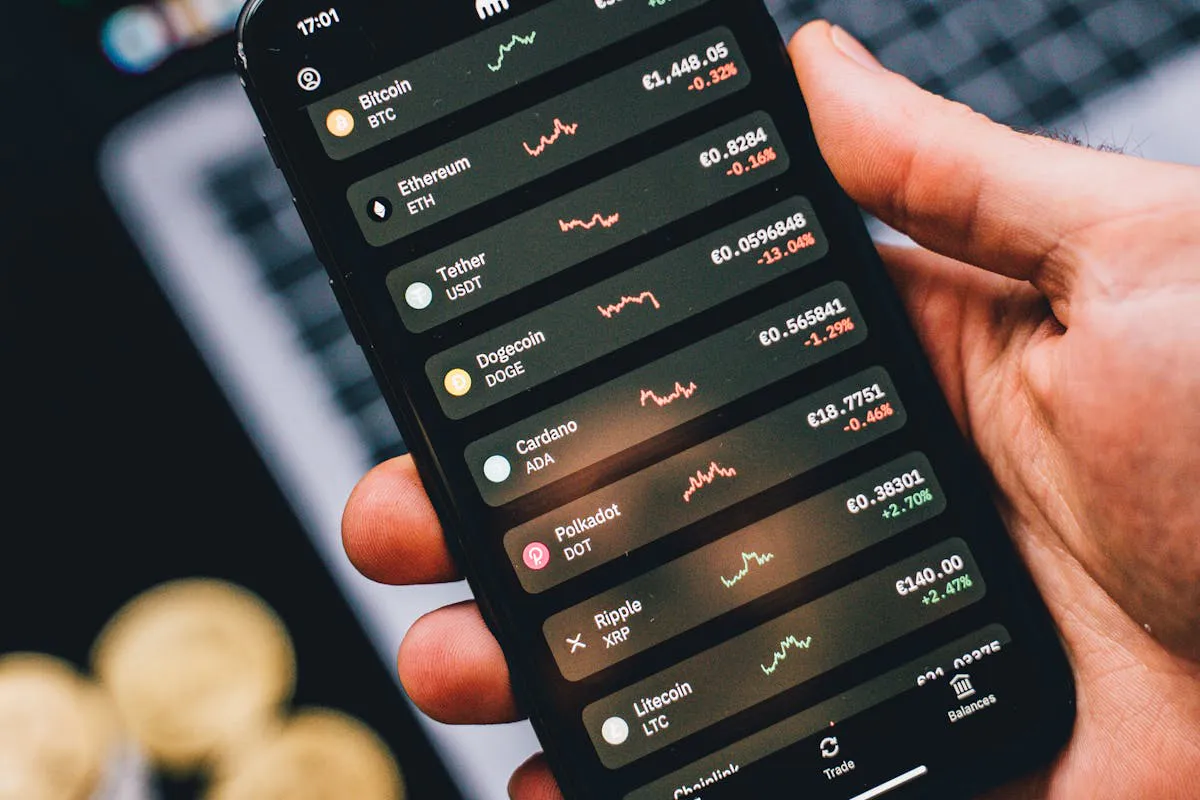
First, decide what you’re trying to answer, because “analyse this wallet” is not a question. Are you checking risk, tracking a whale, looking for insider links, or trying to understand a user journey? Once you pick the goal, you’ll know what to look for, and you’ll stop collecting random screenshots like they’re Pokémon cards.
Next, Ethereum activity is often hidden inside contract calls. A wallet can look quiet on a basic transaction list while it’s busy in DeFi, bridges, multisigs, and approvals. That’s why you want tools that show contract interactions and approvals, and you also want a way to see positions in plain English.
Tool 1: Etherscan
Etherscan is the starting point because it shows the raw chain record: transactions, token transfers, internal transfers, contract calls, and approvals. If you’re doing serious wallet checks, you’ll end up here even if you start somewhere else, because it’s where you confirm what happened.
The trick is to scan for patterns, not single events. Look for repeated approvals to new contracts, lots of tiny test transfers, or bursts of activity that happen at the same time every day. If you want a simple way to decide what to track, the idea behind on-chain metrics VCs track fits well here, because it forces you to define signals before you start guessing.
Tool 2: Blockscout
Blockscout is another explorer, and it’s useful as a second opinion. On Ethereum, it won’t replace Etherscan for most teams, but it can save you time when one explorer is slow, missing data, or just being awkward.
It also helps when you’re working across multiple networks that use Blockscout. If your job includes research, partnerships, or compliance, being able to cross-check quickly keeps you moving, and it reduces the chance you miss something obvious.
Tool 3: DeBank
DeBank turns a wallet into a readable portfolio view. Instead of staring at transaction hashes, you can see tokens, DeFi positions, NFTs, and a clean history view that makes sense to normal humans.
This is a good answer to the question people keep asking in communities: “How do I tell what a wallet is doing without reading every transaction?” You can still use Etherscan to confirm details, but DeBank gets you to the story faster.
Tool 4: Zerion

Zerion is another portfolio view, and it’s great when you want a clean snapshot you can share with someone who isn’t deep in the weeds. It also helps you track changes over time, because it makes the wallet feel like an account, not a spreadsheet.
If you work in growth, Zerion is useful for understanding user journeys. You can see which apps a wallet touches, what assets it holds, and how it rotates positions. That’s often the missing piece when teams argue about “user intent” with zero evidence.
Tool 5: Zapper
Zapper sits in the same category as DeBank and Zerion, but it often shines when you’re mapping DeFi positions across a wide set of apps. It’s a practical “what do they hold, where is it parked, and what changed?” tool.
It also helps you spot common patterns, like wallets that jump between farms, wallets that park in stables for weeks, or wallets that only show up for one token and then vanish. If you’re building a repeatable process, a wallet analytics tools shortlist makes it easier to pick your default stack and stop switching tools every week.
Tool 6: Dune
Dune is for when you want to stop guessing and start measuring. It lets you query on-chain data and build dashboards, so you can answer questions like “how many wallets interacted with this contract this week?” or “which wallets are the biggest net buyers after a launch?”.
A common question is whether you can track whales or “smart wallets” on Ethereum. You can, but you need a definition first, and then you need a way to track it over time. Dune is strong here because you can define the wallet set, define the time window, and then measure behaviour without guesswork.
Tool 7: Nansen
Nansen is a paid analytics layer with strong wallet labels and tagging. Instead of you guessing who a wallet is, Nansen tries to classify it, so you can filter by categories like funds, exchanges, teams, and other groups.
This is useful when your job is speed. If you’re doing market research or partnership scouting, labels can save hours. It also pairs well with a broader measurement stack, and the idea behind web3 analytics picks is relevant if you’re comparing tools and trying to keep your reporting clean.
Tool 8: Arkham
Arkham focuses on entity mapping and attribution, which means it tries to connect addresses into clusters that look like one real actor. People often ask how to tell if two wallets are linked, and this is one of the tools designed for that job.
Used well, it helps you spot patterns like one wallet funding a set of new wallets, those wallets hitting the same contracts, and then funds flowing back to one exit. That doesn’t prove bad intent on its own, but it’s a strong signal to slow down and check more carefully.
Tool 9: Breadcrumbs
Breadcrumbs is built for tracing flows. It helps you follow funds across hops, which is useful when a wallet tries to hide behind a chain of transfers. If you’ve ever tracked a wallet manually and lost the thread after the fifth hop, you already know why this tool exists.
It also helps you explain what happened in a way your team can act on. Instead of “tx hash soup,” you can show a path with timing and direction. If you publish research and want it to be easy to quote, the logic behind earn AI citations is useful, because it pushes you to write claims that are clear, specific, and checkable.
Final Thoughts
If you only pick three tools, pick one explorer, one portfolio view, and one analytics layer. For most teams, that’s Etherscan plus DeBank or Zerion, plus Dune or a paid tool like Nansen. After that, add specialist tools only when you have a clear reason, like labels, tracing, or clustering.
Wallet analysis is not mind reading. Your goal is to reduce risk and make better calls with the evidence you can see. If you define what you’re checking for, and you use the same steps every time, you’ll move faster and you’ll make fewer sloppy calls.
Frequently Asked Questions
What should I check first when I open a wallet?
Start with the basics: recent activity, token transfers, and approvals. Then check whether the wallet interacts with lots of contracts, or only a small set. After that, use a portfolio tool to see positions, because that often explains the behaviour.
Why does a wallet look empty but still has positions?
Because many positions sit inside contracts. A lending position, LP, or staking deposit may not show up as a simple token balance in the way you expect. Portfolio tools like DeBank, Zerion, and Zapper help you see those positions.
Can I track whales on Ethereum?
Yes, but define what “whale” means for your use case. It could be balance, trade size, or influence on a token. Once you define it, you can track it with dashboards, labels, and alerts.
How do I check if two wallets are linked?
Look for funding patterns, shared counterparties, and repeated behaviour. Tools like Arkham can help cluster addresses, and tracing tools can help you follow flows.
How do I avoid getting tricked by wallet labels?
Treat labels as hints, not proof. Cross-check with raw transactions, approvals, and flows. If the label is wrong, the chain record will still show you what the wallet did.
_________________________________________________________________
Download your free copy of the Growth Engine Blueprint here and start accelerating your leads.
Want to know how we can guarantee a mighty boost to your traffic, rank, reputation and authority in you niche?
Tap here to chat to me and I’ll show you how we make it happen.
If you’ve enjoyed reading today’s blog, please share our blog link below.
Do you have a blog on business and marketing that you’d like to share on influxjuice.com/blog? Contact me at rob@influxjuice.com.
Latest Blogs
- Paid Search Isn’t What It Used to Be for Web3 Teams
- Account-to-account A2A payments vs. card rails: which should your fintech build on in 2026?
- 7 SEO Strategies for Web3 Projects That Don’t Rely on Backlinks
- Google Search Autocomplete Hack: Why it’s Better than Ads
- How to Choose a Payment Processor for SaaS With Global Customers Fees and Compliance Breakdown
Leave a Reply
You must be logged in to post a comment.