
Choosing an email platform is a high-impact decision for any web3 team. Social feeds come and go, and algorithms change without warning. Your email list is the one audience you own. Brevo, formerly known as Sendinblue, is an all-in-one marketing platform that covers email, SMS, WhatsApp, live chat, a built-in CRM, and automation.
It prices mainly by how many emails you send, and it has a free plan. This review covers why web3 teams still need email, what Brevo does and costs, how to use it for onboarding and alerts, and what to check on compliance and limits before you commit.
_____________________________________________________________
Quick Answers – Jump to Section
- Why Web3 Teams Still Need Email
- What Brevo Does and How It Is Priced
- Using Brevo for Web3 Campaigns, Onboarding, and Alerts
- Compliance, Deliverability, and Where Brevo Falls Short
- Final Thoughts
- Frequently Asked Questions
_____________________________________________________________
Why Web3 Teams Still Need Email
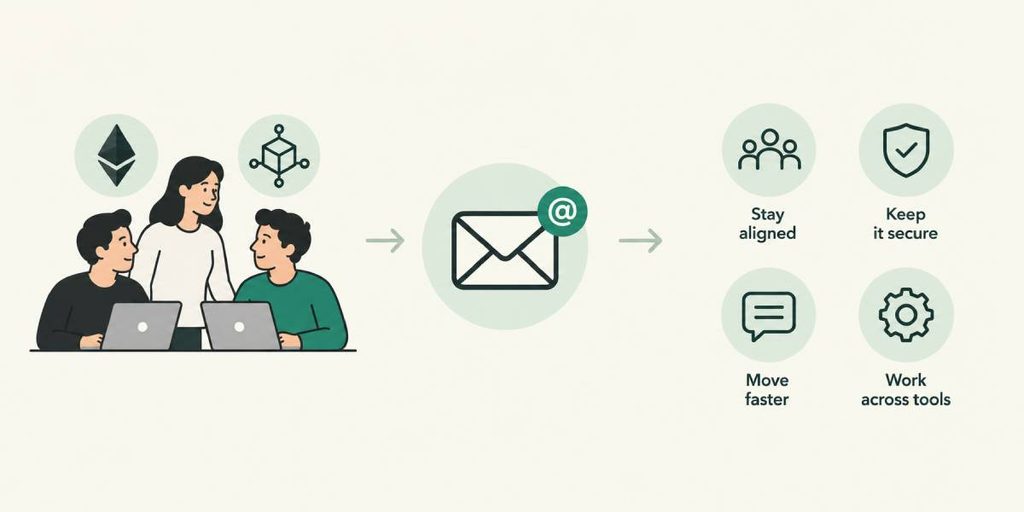
Think about where your community lives today. A Discord server, an X account, a Telegram group. Each one sits on someone else’s land. Rules change, reach drops, and accounts get hacked or banned.
An email list is different. You hold the contacts, and no feed decides who sees your message. That makes it a steady home for launch updates, claim windows, governance reminders, product news, and security notices.
Email also helps with search. Why email now also helps web3 brands show up in Google is worth a read if you think email is only for newsletters.
So the real question is not whether to use email. It is which tool to use. That is where Brevo comes in.
_____________________________________________________________
What Brevo Does and How It Is Priced
Brevo started as an email tool and grew into a multichannel suite. Here is what it covers:
- Email campaigns: Newsletters and announcements, with templates and a drag-and-drop editor.
- SMS and WhatsApp: Short messages for time-sensitive alerts.
- Live chat: A chat widget for your site.
- CRM: A built-in contact database with deal tracking.
- Marketing automation: Triggered emails based on what people do.
- Landing pages and forms: Sign-up pages without a developer.
- Transactional email: Receipts, confirmations, and login alerts.
Pricing works in an unusual way. Brevo has a free plan and several paid tiers, up to a custom enterprise plan. Reviews report that the free plan allows 300 emails a day with unlimited contacts. Paid plans are priced mainly by emails sent each month, not by how many contacts you hold. That helps a team with a big list that only emails now and then. It costs more if you send all the time.
Lower plans may show Brevo branding in the footer and limit automation. Prices change, so check brevo.com/pricing before you decide.
For small teams, how free tools can carry a web3 app a long way shows how far a free plan can stretch.
_____________________________________________________________
Using Brevo for Web3 Campaigns, Onboarding, and Alerts
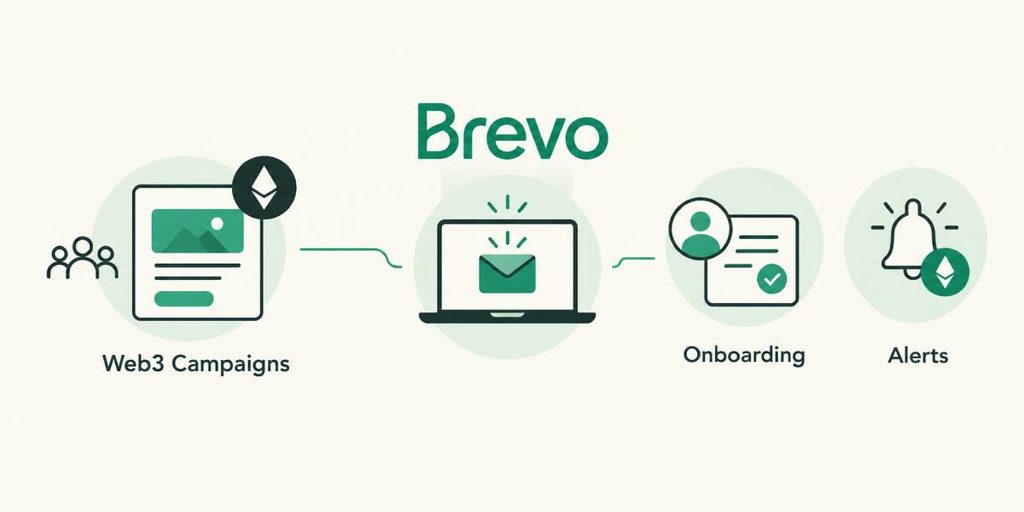
Here are five ways a web3 team can put it to work:
- A welcome series. Day one: who you are. Day two: how to connect a wallet. Day five: common mistakes. Day ten: a link to your community.
- Onboarding nudges. If someone connects a wallet but does nothing for three days, send a short how-to.
- Transactional emails. Send confirmations, receipts, and login alerts, so users know an action went through.
- SMS and WhatsApp alerts. Use them for claim windows or governance votes. Send only to people who opted in.
- Segments by interest. Split your list into groups, such as DeFi users, NFT collectors, and builders. Then send each group what it cares about.
Each of these is a small automation that works while you sleep. For ideas on what to build, see how to build email workflows that boost web3 engagement.
_____________________________________________________________
Compliance, Deliverability, and Where Brevo Falls Short
Email comes with rules, and web3 teams face a few extra ones. This is general information, not legal advice.
Consent and GDPR. Get a clear opt-in, add an easy unsubscribe link, and keep a record of consent. How to stay on the right side of GDPR when you email covers the basics.
Deliverability. Set up SPF, DKIM, and DMARC on your sending domain. Warm up a new domain slowly. Avoid spammy crypto phrases such as “guaranteed returns.”
Anti-phishing habits. Scammers copy web3 brands all the time. Add a line to every email saying you will never ask for a seed phrase or message first. Use one consistent sender domain.
Platform rules. Email tools often limit some financial promotions. Read Brevo’s acceptable use policy before you send token-sale or investment messages.
Trade-offs from reviews:
- Support on lower plans is email only, and some reviewers call response times slow.
- Brevo branding appears on lower plans.
- The price steps up when you need more features.
Try Brevo for your web3 newsletter today
_____________________________________________________________
Final Thoughts
Brevo gives web3 teams one place for email, SMS, WhatsApp, chat, and a simple CRM, with a free plan to start. Its volume-based pricing suits big lists that are not emailed daily.
The trade-offs are limited support on lower plans and rules you need to check for crypto content. Start small. Build one welcome series, add one onboarding nudge, and set up your sender authentication. Then grow from there.
_____________________________________________________________
Frequently Asked Questions
What is Brevo?
Brevo, formerly Sendinblue, is an all-in-one marketing platform. It covers email, SMS, WhatsApp, live chat, a CRM, automation, landing pages, and transactional email.
Is Brevo free?
Yes, there is a free plan. Reviews report a limit of 300 emails a day, with unlimited contacts. Check the Brevo site for current limits.
How is Brevo priced?
Paid plans are priced mainly by the number of emails you send each month, not by contact count. Plans run from a free tier up to a custom enterprise plan.
Can web3 projects use Brevo?
Many teams use email platforms for web3 newsletters and onboarding. Read Brevo’s acceptable use policy first, since some financial and token-sale messages may be limited.
Does Brevo support SMS and WhatsApp?
Yes. It lists SMS and WhatsApp alongside email, so you can send time-sensitive alerts to people who have opted in.
Is Brevo good for small teams?
It can be. The free plan, built-in CRM, and automation help small teams start without a big budget. Support on lower plans is email only.
_________________________________________________________________
Disclosure: We are an affiliate partner with Brevo and earn a commission from purchases made through some links in this post at no extra cost to you.
Download your free copy of the Growth Engine Blueprint here and start accelerating your leads.
Want to know how we can guarantee a mighty boost to your traffic, rank, reputation and authority in you niche?
Tap here to chat to me and I’ll show you how we make it happen.
If you’ve enjoyed reading today’s blog, please share our blog link below.
Do you have a blog on business and marketing that you’d like to share on influxjuice.com/blog? Contact me at rob@influxjuice.com.
Latest Blogs
- Brevo Review: Email, SMS, and WhatsApp Marketing for Web3 Teams
- Which Black Friday Growth Deal Does Your Business Need? (Cast Your Vote)
- Crypto Marketing Compliance: What MiCA and FCA Rules Mean for Your Content
- MRPeasy Review: Manufacturing Software for Web3 Teams That Build Physical Products
- ChatGPT Traffic Is Up 48%: How to Find the AI Visits Hiding in GA4